
Your schedule
Know who is coming, and when.
See visits by day, week or month, so your family can plan around the care.
The Family Room · Your care, in one place
Your care schedule, the people you know, and the updates that matter. The Family Room brings it all together in one private place, wherever your family happens to be.
For invited clients and family members. No password to remember.
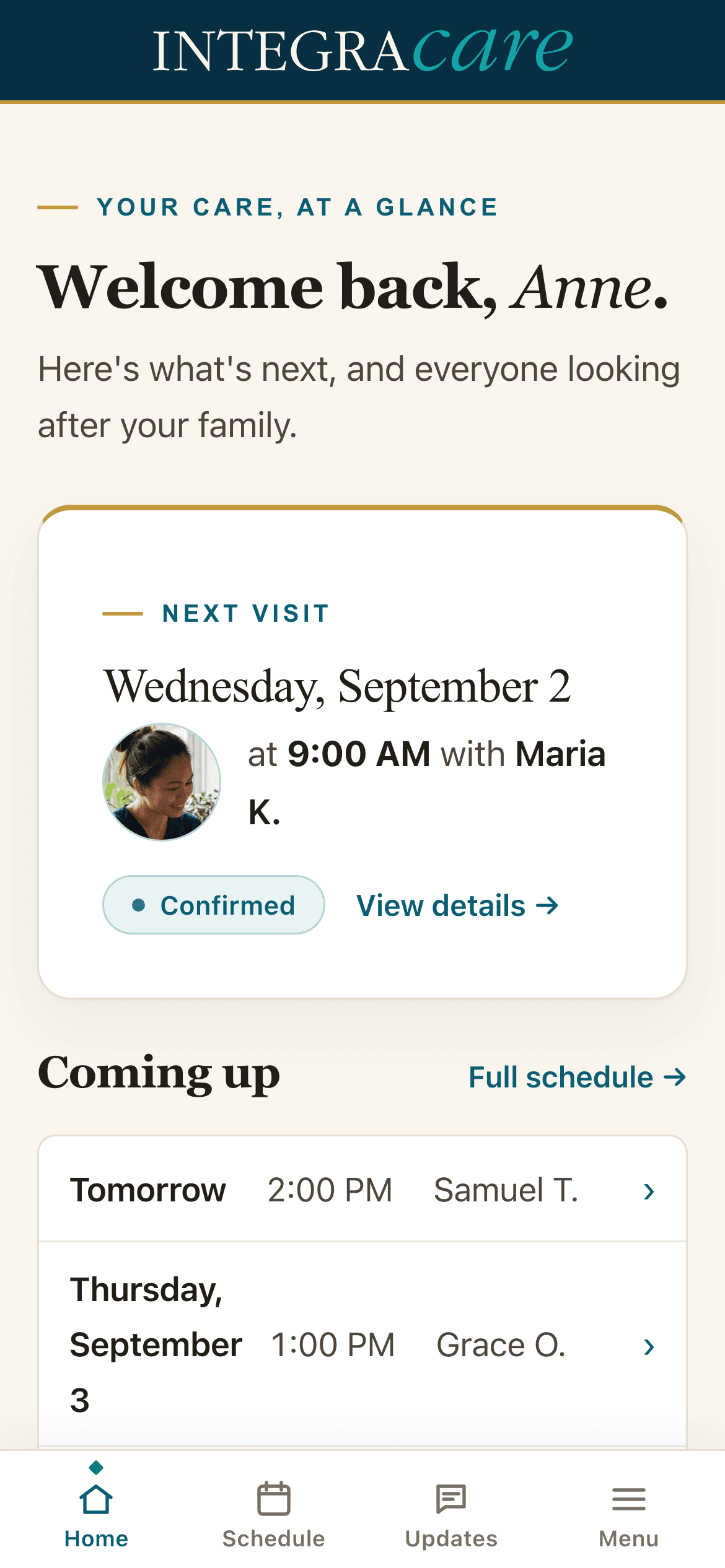
See how the Family Room helps you follow the care, stay organised and feel more connected to the people supporting your family.
When someone you love needs care at home, you want to know what's happening. The Family Room, from Integracare, shows you.
Who's coming today, and when.
Every visit, by day, week or month.
The caregivers who come through the door, with their photos and training.
Notes and the day's tasklist, as your caregivers log them.
A schedule change, a question for the nurse, more supplies. One message, straight to the person who can act on it.
Invoices, without the phone call.
The Family Room. Included with every care plan from Integracare.
A clearer view of care
Your schedule
See visits by day, week or month, so your family can plan around the care.
Your care team
Get to know the caregivers who visit, including their languages and training.
Care updates
Read notes and task updates as your caregivers record them.
Requests
Send a schedule request or care question to your care team from one place.
Billing
View invoices and payments when your account has permission to access billing.
Your Care Manager will help you get started. Each family member has their own access, arranged with the client’s consent.
Open the email invitation from your care team and follow the link.
Use the email address you were invited with. In your browser, we send a secure sign-in link instead of asking for a password.
Use your phone, tablet or computer. You can also add the Family Room to your phone’s home screen.
Contact your Care Manager to ask about access. Use the email address you want associated with your own account.
Ask your Care Manager to arrange an individual invitation with the client’s consent. There is no need to share your sign-in link.
Billing is shown only to family members with the appropriate account permissions.
No. You can use the Family Room in your browser on a phone, tablet or computer.
Return to the login page and request a new link using your invited email address.
Start with a conversation about the support your family needs.